Recover and keep going
DeskOS detects a stuck radio, recovers it with your saved settings, and shows when it needs attention.
NODE 05 // STABLE RELEASE 1.10.0
A touch-first MeshCore desk for the SenseCAP Indicator D1L.

DeskOS detects a stuck radio, recovers it with your saved settings, and shows when it needs attention.
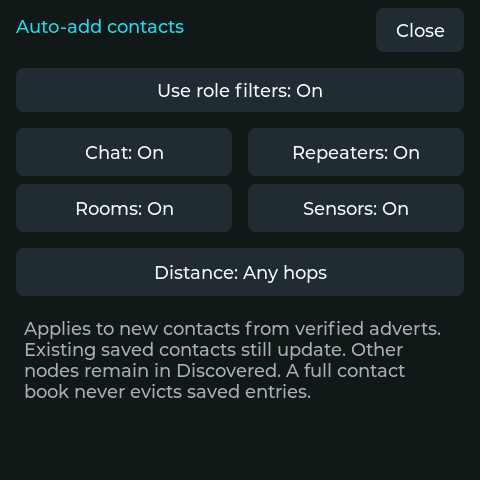
Choose which node roles and hop distances enter Saved. Your phone shares the same rules, while other verified nodes remain in Discovered.
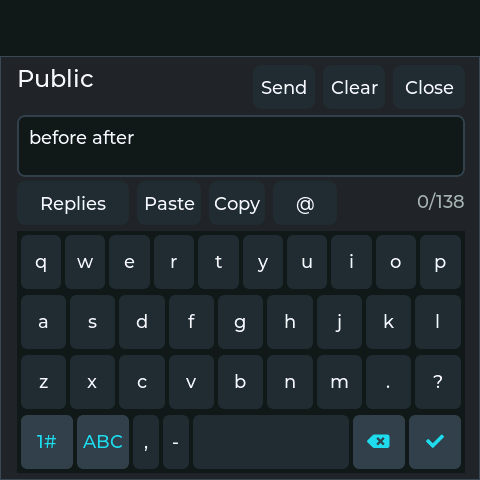
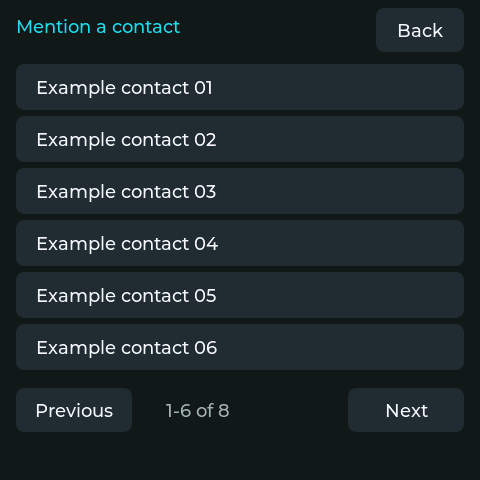
Saved drafts, quoted replies, quick replies, Copy/Paste and a paged mention picker keep your conversation moving. Insert a name without replacing your draft.
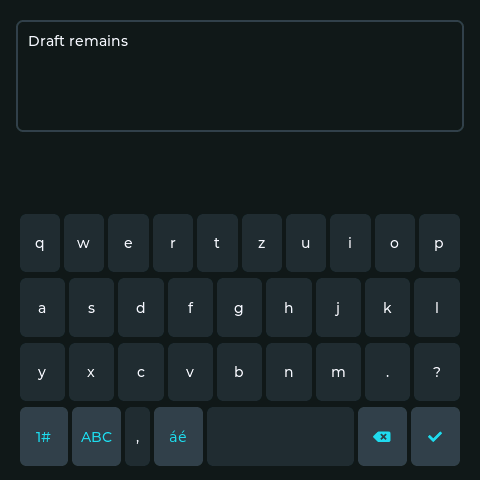
Save a QWERTY, AZERTY or QWERTZ layout and tap áé for accented Latin letters. Standard and Large text include the new glyphs. Your open draft and cursor stay in place when the layout changes.
WadaMesh guides the interface comparison. See the implemented workflows and remaining differences.
BOOT://IDENTITY_SEQUENCE
A loading bar advances while saved history is restored, followed by the familiar DeskOS opening.
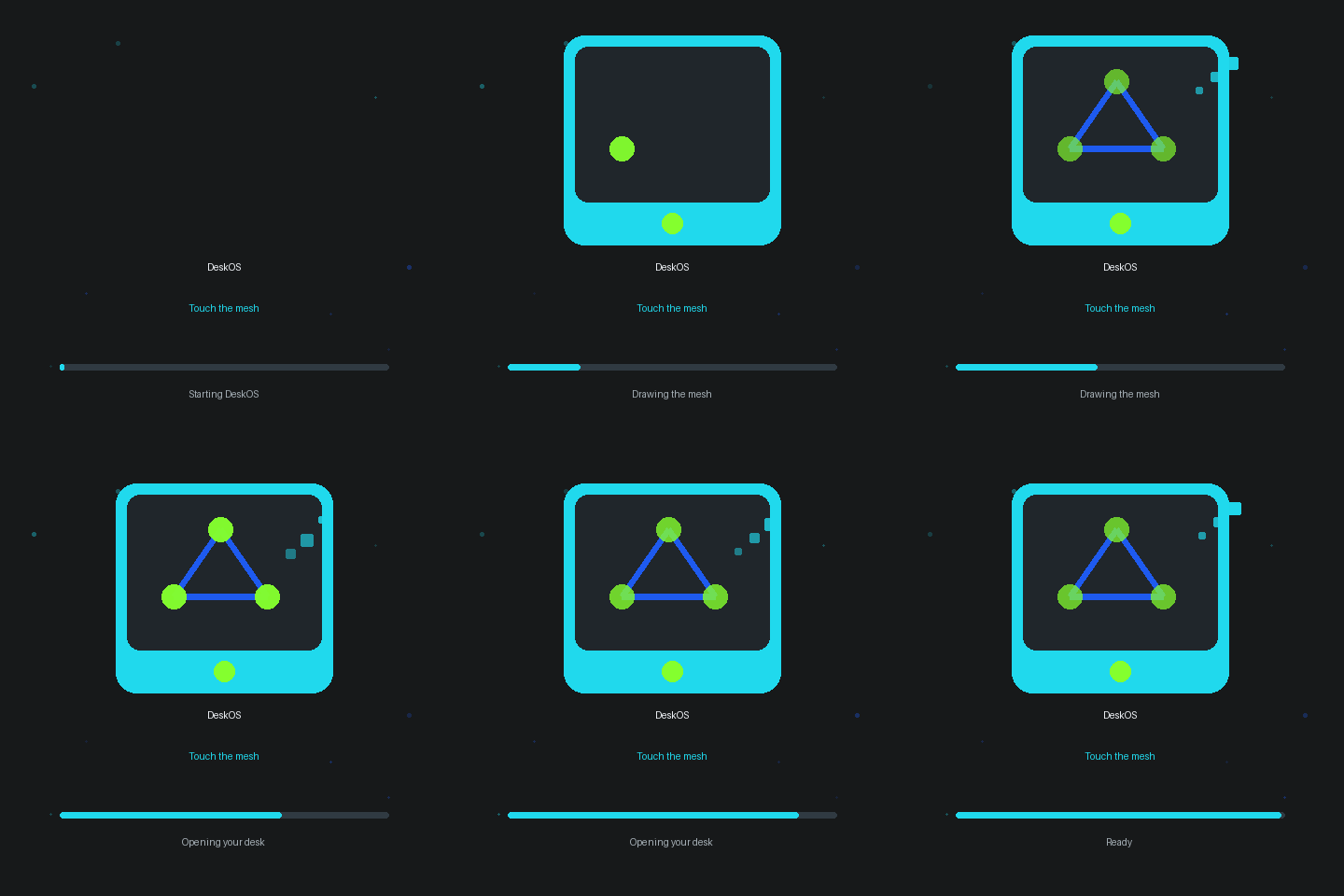
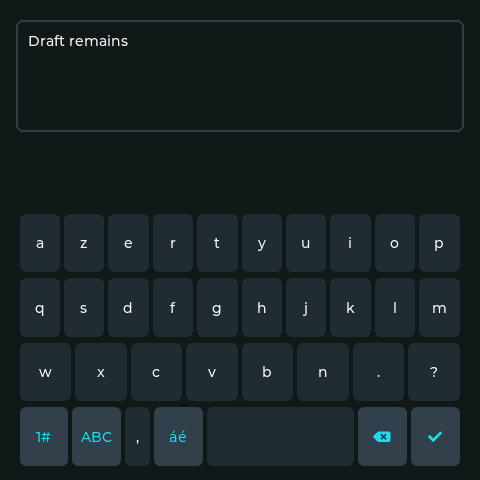
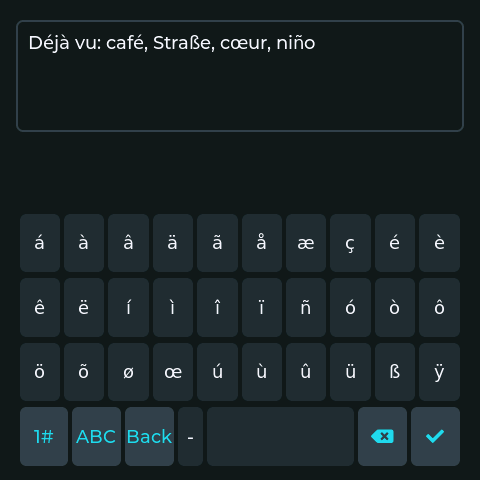
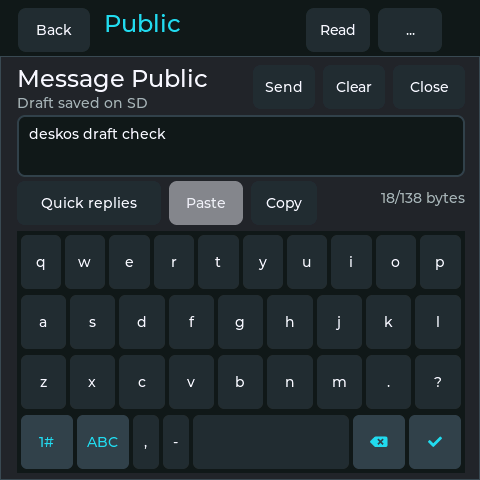
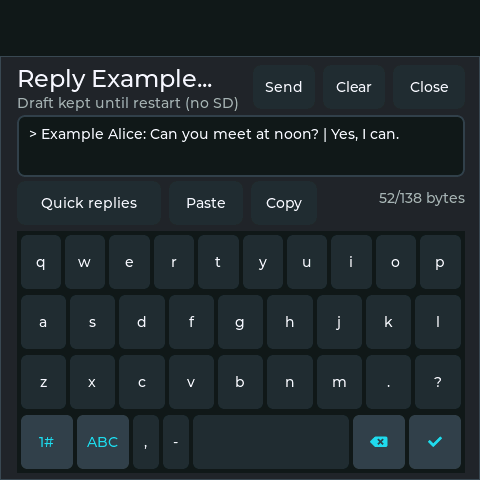
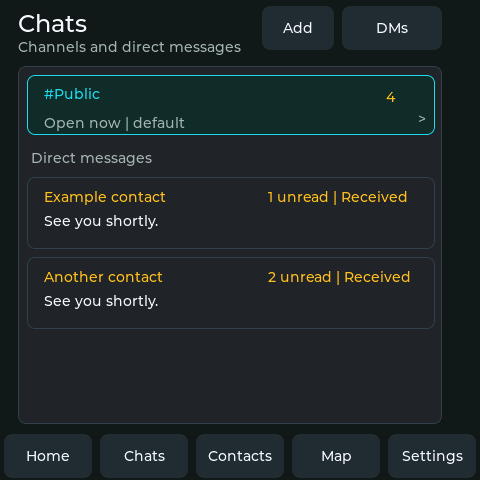
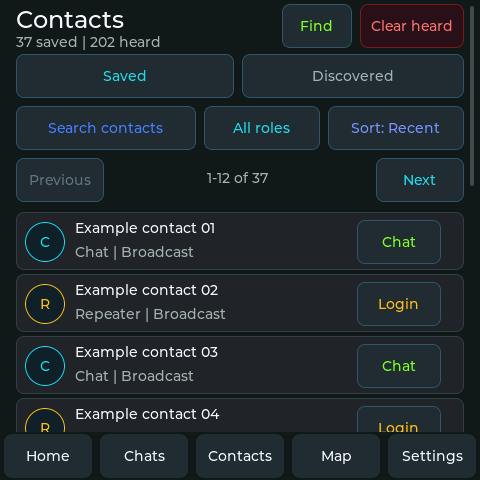
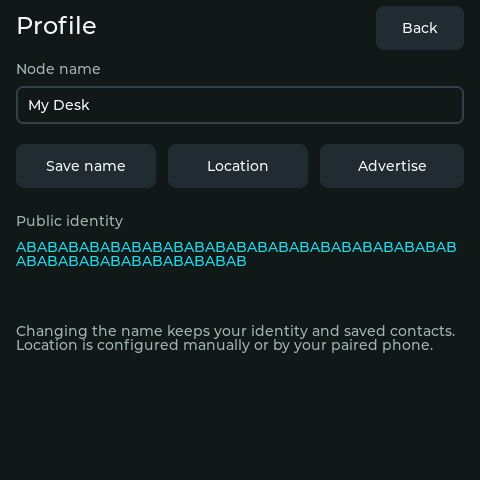
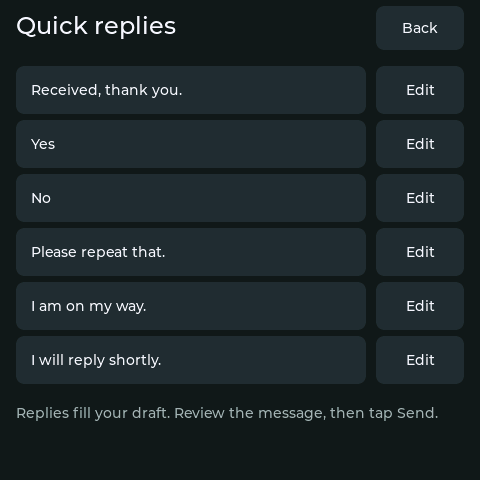
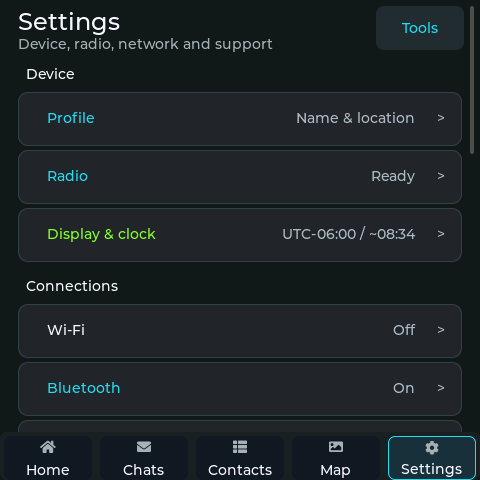
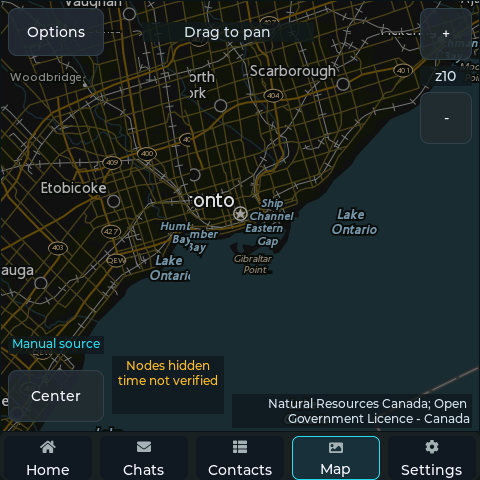
Gallery labels identify the captured version and distinguish physical D1L screens from interface examples. Map labels wait for a verified clock after restart.
RELEASE://EXACT_PROOF
Stable release 1.10.0 is tied to source commit f1aaa565289afb839a10f75decc91957b360de0e. Built and checked with the pinned GitHub Actions workflow; the Pi-attached D1L is the physical acceptance target. The gallery identifies device captures and examples; the release notes record validation and remaining test limits.
Choose the preserving update to keep identity, contacts, settings, and SD data. The 1.10.0 release adds saved keyboard layouts and accented Latin input. It retains background packet searches, verified SD saves and secure companion messaging. The interface remains English.
The full image replaces ESP32 identity and settings. Complete all three guided stages.
Install the complete RP2040 UF2. Use a prepared FAT32 card for retained history and maps.