Skip to features
DeskOS BBSCanadaverse // touch node D1L verified

NODE 05 // RELEASE 1.7.9

DeskOSMeshCore.

A touch-first MeshCore desk for the SenseCAP Indicator D1L.

Target
SenseCAP D1L
Release
1.7.9
Capture
Physical D1L
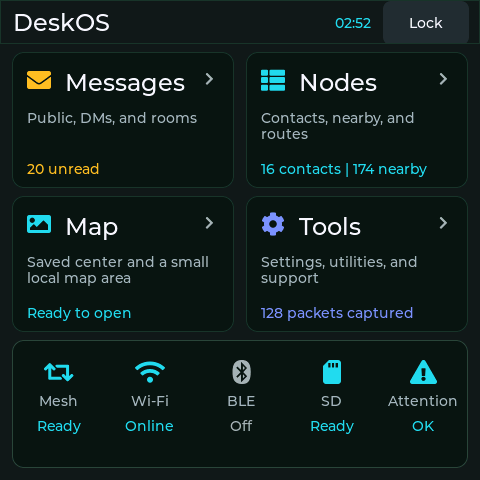
DeskOS 1.7.5 Home screen on a physical D1L
UI_LINKONLINEDISPLAY480²CAPTURE1.7.5
MeshCore clientNon-forwarding
Touch first480 × 480 native UI
Safe updatesSigned SD + USB recovery
Open sourceReviewable firmware
SYS://DESKOS_FEATURES

Touch the mesh

One focused interface // no forwarding
01 // ADMIN

Remote repeater login

Routes, telemetry, neighbours, access, and room controls.
02 // CLARITY

Readable results

Named nodes, friendly ages, signal quality, clear progress.

03 // HARDWARE

Native D1L behavior

Sleep, wake, maps, large controls, square layout.

04 // RECOVERY

Recoverable

No repeating or SD formatting. USB recovery stays available.

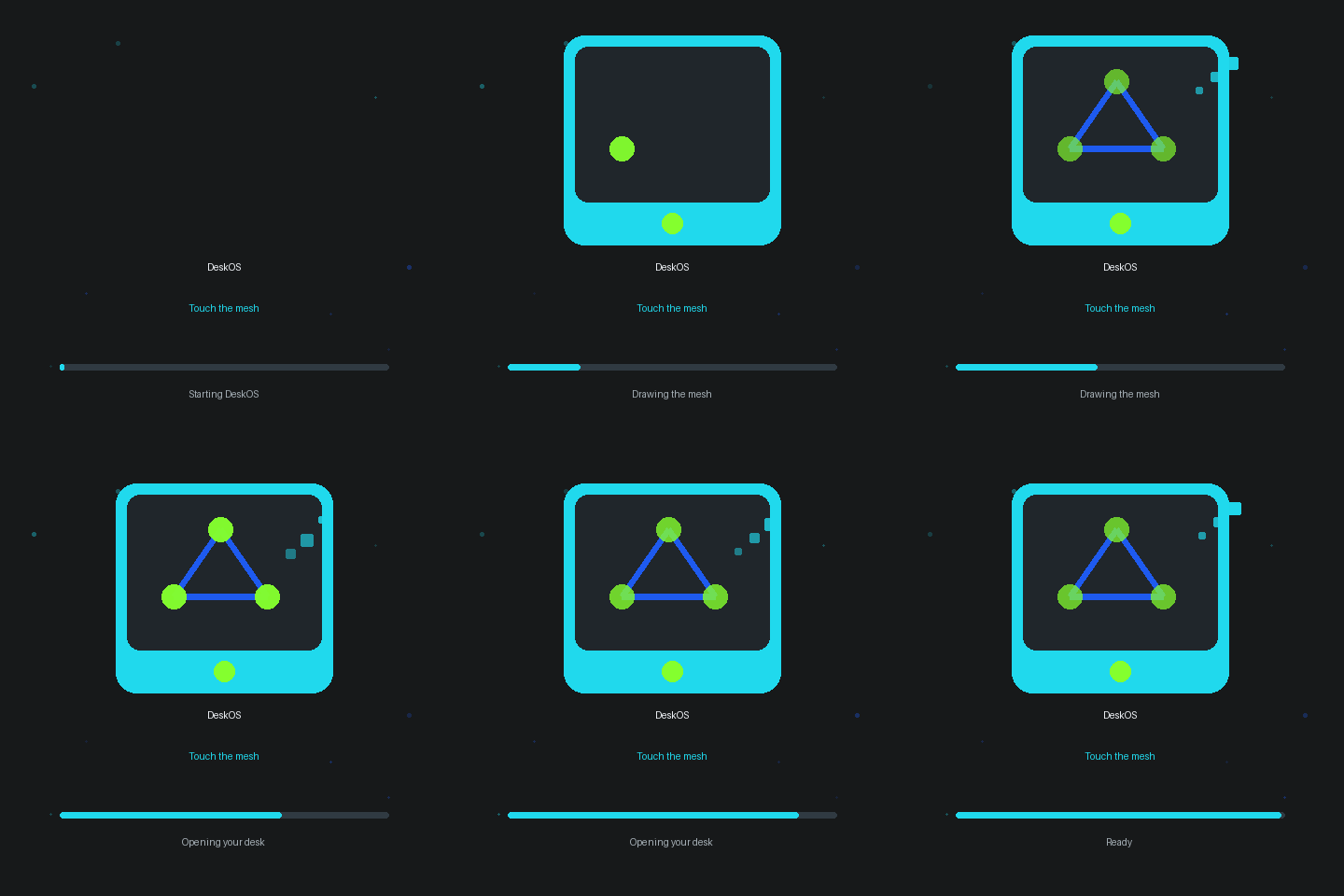
BOOT://IDENTITY_SEQUENCE

Ready before radio.

Lightweight LVGL shapes carry the palette into the app.
  • Standalone messages and contacts
  • Local map tiles and conditional SD history
  • Secure BLE companion transport
  • Wi-Fi, diagnostics, packets, and radio tools
DeskOS animated boot sequence
ON-DEVICE OPENING SEQUENCE // 480²
CAPTURE://PHYSICAL_D1L

On device

Direct RGB565 captures // private data excluded
DeskOS Home screen
HOMEMesh, Wi-Fi, storage, attention
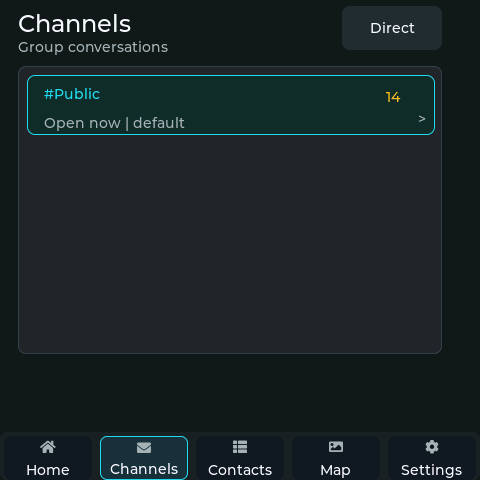
DeskOS Channels screen
CHANNELSPublic, direct, and room chat
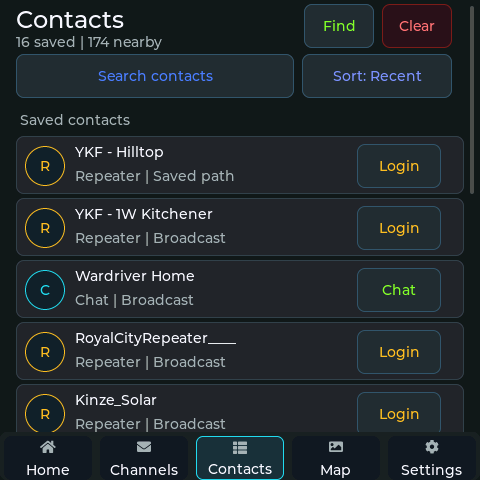
DeskOS Contacts screen
CONTACTSSearch, routes, repeater login
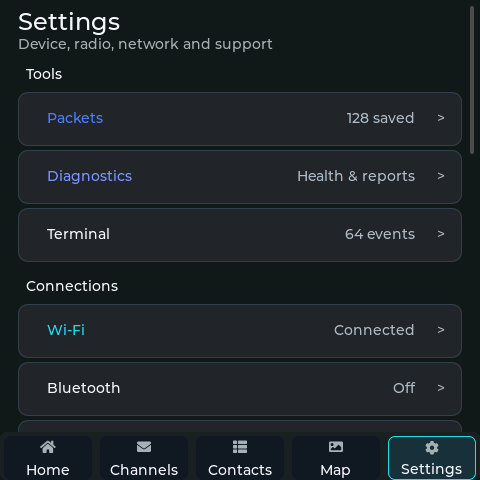
DeskOS Settings screen
SETTINGSPackets, diagnostics, support

✓ 480 × 480 // CRC VERIFIED // NO PUBLIC RF TX // NO SD FORMAT DURING CAPTURE

RELEASE://EXACT_PROOF

Release and proof.

Current release 1.7.9 is tied to source commit 40a2edaa2f4f356955727d0b6e22662d55fec142. The on-device gallery is an earlier 1.7.5 physical capture.

Release
1.7.9
Target
SenseCAP D1L
History
Conditional SD
Commit
40a2edaa
View release assets
INSTALL://CHOOSE_PATH

Flash DeskOS

Update // recovery // bridge
UPDATE

Keep your setup

Use the update image.

RECOVERY

Start clean

Use only for a deliberate reset.

BRIDGE

Complete the pair

Install the matching RP2040 UF2.